
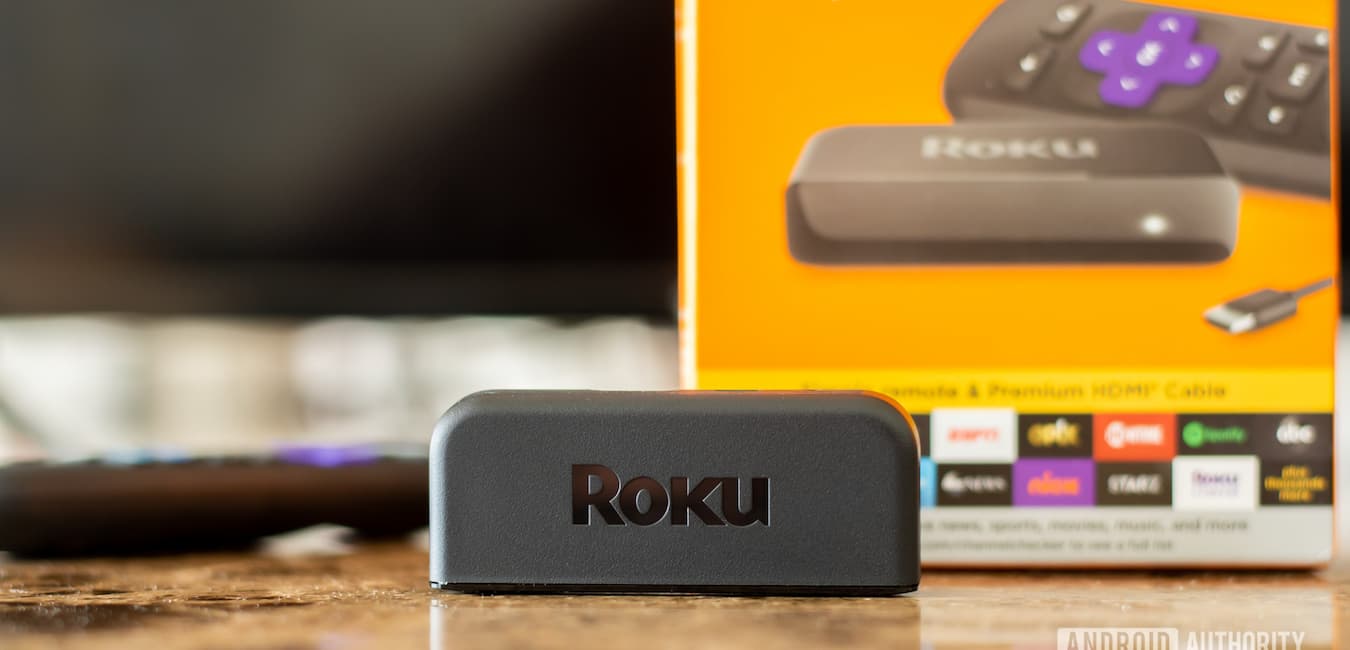

The Roku Premiere is a popular streaming device known for its affordability and support for 4K and HDR streaming. As more people turn to streaming services for their entertainment needs, the question “will Roku Premiere work on any TV?” becomes increasingly relevant. In this article, we will explore the compatibility of the Roku Premiere with various types of TVs and address any potential limitations.
Table of Contents
Will Roku Premiere Work on Any TV – Basic Requirements

To answer the question, “will Roku Premiere work on any TV?”, we must first understand the basic requirements for connecting a Roku Premiere to a TV. The Roku Premiere requires the following:
HDMI Port: The Roku Premiere connects to your TV using an HDMI cable. Therefore, your TV must have an available HDMI port to connect the device.
Internet Connection: The Roku Premiere requires an internet connection to stream content. You’ll need access to a Wi-Fi network or a wired Ethernet connection (using an optional Ethernet adapter) for the device to work.
Power Source: The Roku Premiere needs to be connected to a power outlet using the included power adapter.
As long as your TV meets these basic requirements, the Roku Premiere should work with your TV.
Compatibility with 4K and HDR TVs
The Roku Premiere is designed to support 4K and HDR streaming, providing a high-quality viewing experience for compatible TVs. However, the question remains: “will Roku Premiere work on any TV?” even if it’s not a 4K or HDR TV. The answer is yes – the Roku Premiere is backward-compatible with non-4K and non-HDR TVs. It will automatically adjust the streaming quality to match the capabilities of your TV.
Compatibility with Older TVs: Addressing the Limitations

While the Roku Premiere is designed to work with most modern TVs, there may be limitations when it comes to older TVs. If you’re still wondering, “will Roku Premiere work on any TV?” for older models, consider the following potential limitations:
Lack of HDMI Port: As mentioned earlier, the Roku Premiere requires an HDMI port to connect to your TV. Older TVs may not have an HDMI port, making it impossible to connect the Roku Premiere directly. In this case, you may need to use an HDMI-to-component or HDMI-to-composite converter to connect the device. However, these converters may not support 4K or HDR streaming.
HDCP 2.2 Compliance: 4K and HDR streaming require your TV to be HDCP 2.2 compliant, which is a form of copyright protection for digital content. Older 4K TVs may not be HDCP 2.2 compliant, which means you won’t be able to stream 4K or HDR content on those TVs using the Roku Premiere. However, the device should still work for streaming lower-resolution content.
Alternative Roku Devices for Older TVs

If you have an older TV without an HDMI port or that is not HDCP 2.2 compliant, you might consider other Roku devices better suited for older TVs. For example, the Roku Express+ is a streaming device that comes with composite cables, making it compatible with older TVs that lack an HDMI port.
Conclusion
In conclusion, the Roku Premiere is designed to work with a wide range of TVs, from modern 4K and HDR TVs to older models with limitations. So, while the answer to the question, “will Roku Premiere work on any TV?” is not an absolute yes, it is generally compatible with most TVs that meet the basic requirements. If you have an older TV without an HDMI port or that is not HDCP 2.2 compliant, you may need to consider alternative solutions or Roku devices specifically designed for compatibility with older TVs. By understanding your TV’s capabilities and the compatibility of the Roku Premiere, you can make an informed decision about whether this streaming device is right for your entertainment needs.
Ultimately, the Roku Premiere is an excellent streaming device for those looking to enjoy high-quality 4K and HDR content on compatible TVs. With its affordable price point and extensive library of streaming channels and apps, the Roku Premiere offers an attractive option for cord-cutters and streaming enthusiasts alike. By ensuring your TV meets the necessary requirements and exploring alternative Roku devices for older TVs, you can maximize your streaming experience and enjoy the vast world of digital entertainment available through Roku.
